Find the next check for your AION 2 error, whether the game stalls at launch, returns you to login, reports a DirectX problem, or blocks verification or payment. This category covers loading failures, DirectX 12 errors, missing verification codes, and Xsolla error code 1000. Start with the point where the process stops, then follow the checks for that symptom. Keep the exact message and your test results if you need support.
Identify the Failed Step: Launch, Login or Checkout
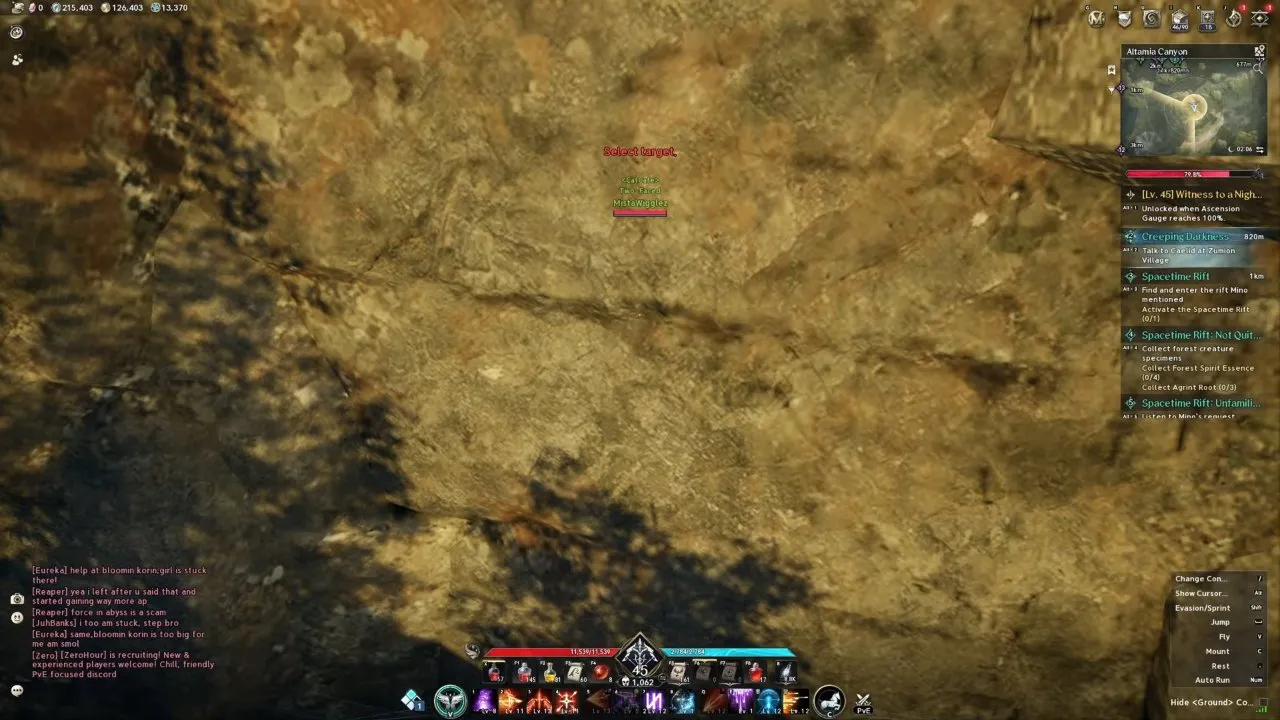
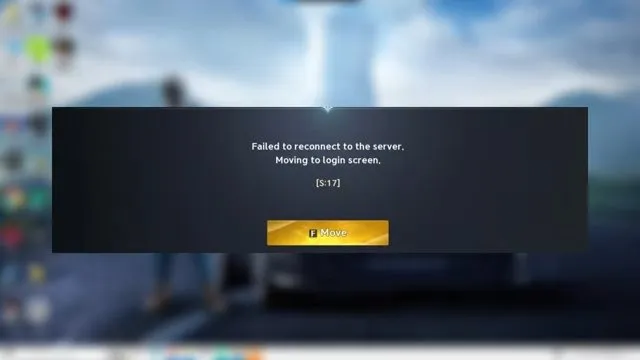
For a stalled launch with Aion2.exe still running, end the process and restart the launcher. File verification and testing with overlays closed are further launch checks. If the client instead returns you to login with a connection message, check maintenance announcements and compare another server or network before changing more settings. Reinstalling cannot shorten server maintenance.
For a DirectX 12 error, start with Windows Update, then read the DirectX version in dxdiag; both are covered on the stuck on loading screen page. A Windows upgrade helped one reported case; seeing DirectX 12 in dxdiag does not guarantee that the game will launch.
For missing email codes, allow @mail.plaync.com and check Spam, Junk, and Promotions; device registration after phone verification needs a fresh login. Both are covered on the loading and login page.
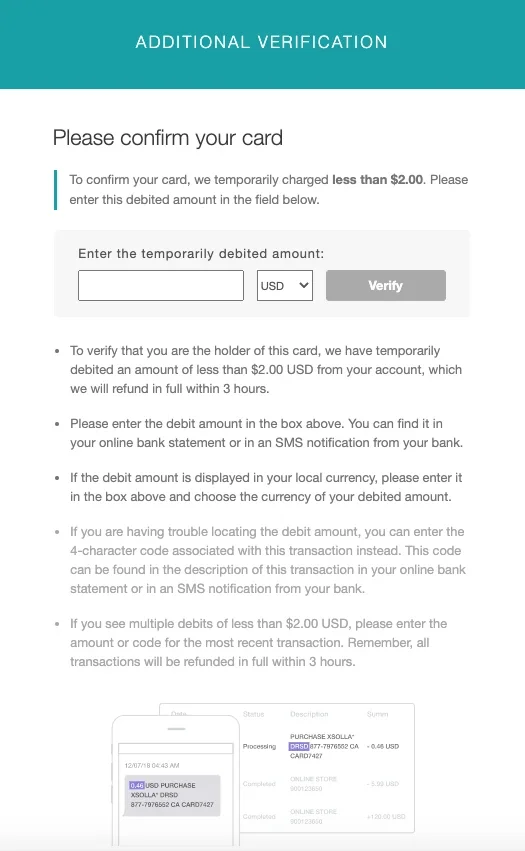
For error code 1000 during Xsolla card verification, match the verification currency to the store payment currency and obtain the requested code or actual authorization amount. The verification process allows 3 attempts and the amount expires after 3 hours, so avoid guessing.
Keep Test Results: Give Support the Exact Failure
Record the full error text, where it appears, and which checks changed the result. For loading trouble, include your launcher and PC details; for connection failures, add whether another server or network worked. For payment trouble, include your region, payment method, and approximate purchase time.
A successful check narrows the next action: another server working points you toward the original server's announcements, while a hotspot working directs attention to your home connection. If the problem remains, give support those results along with the steps already tried.